Quick Summary
Most Spotify downloader extensions vanish within weeks. Learn which ones still work, the real risks, and when desktop software becomes the better choice.
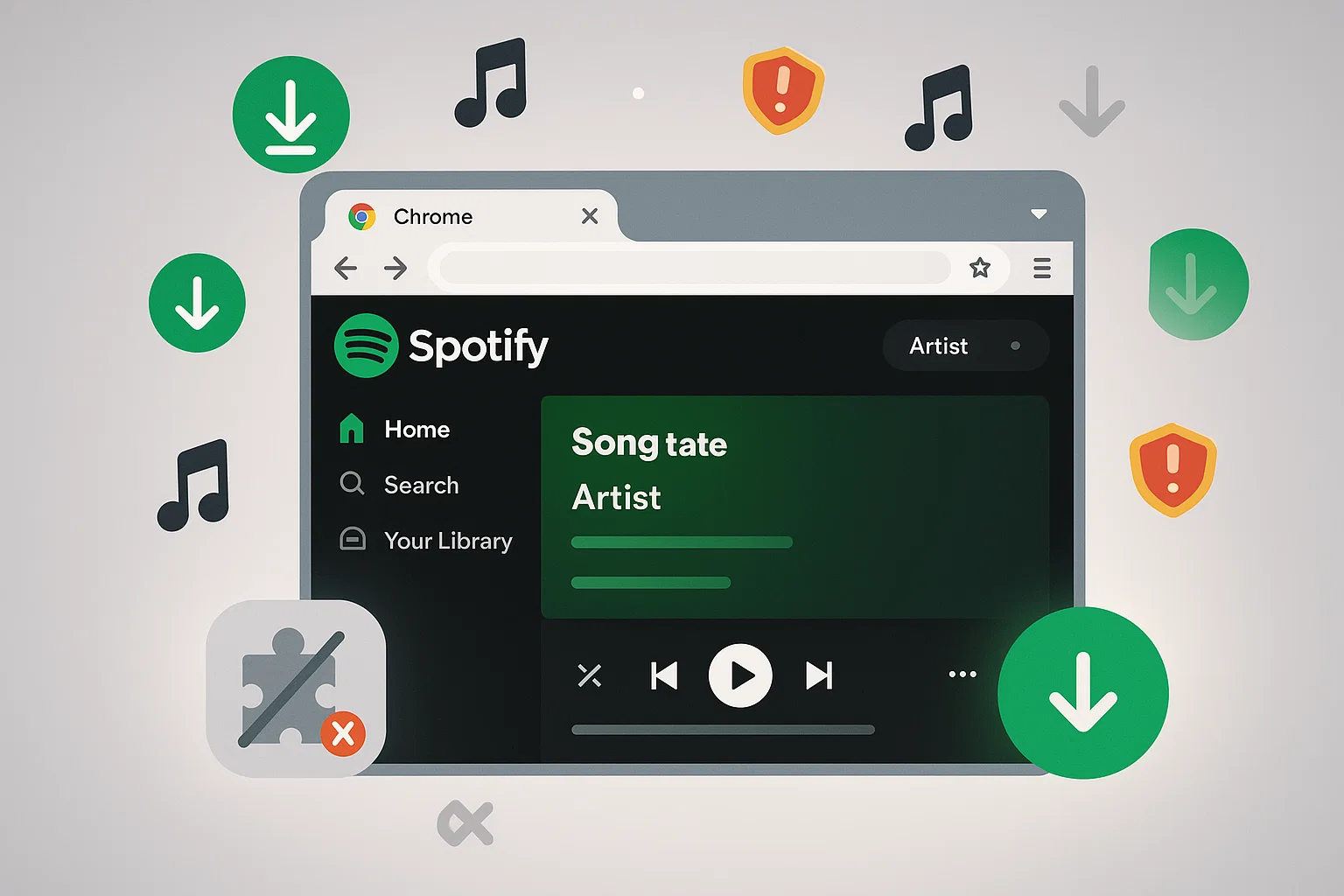
Most Chrome extensions for Spotify downloads stop working within weeks—and the few that remain ask for invasive permissions or deliver compressed audio quality. The short answer: extensions are only viable if you download occasionally and can tolerate constant instability.
The real question isn’t which extension to pick, but whether your use case justifies the hassle. If you download playlists regularly, desktop software offers far more reliability for a one-time cost.
Why Chrome Extensions Keep Disappearing
This isn’t random bad luck. There’s a structural reason why Spotify downloader extensions vanish so quickly.
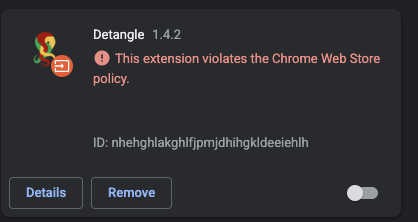
Google’s Manifest V3 Crackdown
In January 2024, Chrome Web Store updated its policies to explicitly ban extensions that circumvent content protection systems. Manifest V3—which became mandatory in July 2025—further restricted how extensions interact with web content.
For music downloaders, this is existential. Their core functionality—intercepting and extracting audio streams—requires exactly the capabilities Chrome is now blocking.
The pattern is predictable: A new extension appears → works for 2-4 weeks → gets flagged by automated systems → removed from Web Store → developer republishes under a different name → cycle repeats.
This isn’t speculation. Community reports from Reddit and GitHub consistently show this timeline across multiple extensions throughout 2024-2025.
What This Means for You
Even if you find a working extension today, expect it to break within weeks. The Chrome Web Store reviews you see might be from when the extension functioned properly—not its current state.
If you need reliable, repeatable downloads, building your workflow around Chrome extensions is building on quicksand.
Extensions That Still Work (Sort Of)—And What They Cost You
If you’re determined to try extensions first, here’s what’s actually functional as of late 2025. But each comes with significant compromises.
Audio Downloader Prime
Status: Still in Chrome Web Store (as of this writing)
This is probably your best bet if you insist on extensions. Clean interface, single-track downloads work reasonably well.
What community feedback shows:
- Single track success rate: around 80-85%
- Playlist support: essentially broken—reports of 10-15 tracks downloading before stalling
- Audio quality: fixed at 192kbps MP3 (Spotify Premium streams up to 320kbps)
- Must keep Spotify tab active during download
The real limitation: You’re not getting “original quality” despite what some reviews claim. 192kbps is noticeably lower than Spotify’s highest streaming quality.
Sideloaded Extensions (VKsaver, Spotify™ & Deezer™ Downloader)
Status: Not in Chrome Web Store—requires manual installation
These are available through third-party sources, which introduces security concerns before you even use them.
What users report:
- Playlist downloads: high failure rates, corrupted files, missing metadata
- Audio quality: claims of “up to 320kbps” but actual outputs often 128-256kbps
- Permissions: request access to all website data, manage downloads, communicate with native applications
The sideloading problem: When an extension isn’t in the official Web Store, you’re trusting an unknown developer with access to everything in your browser. There’s no review process, no accountability, and no easy way to verify what the extension actually does.
Extensions to Avoid Entirely
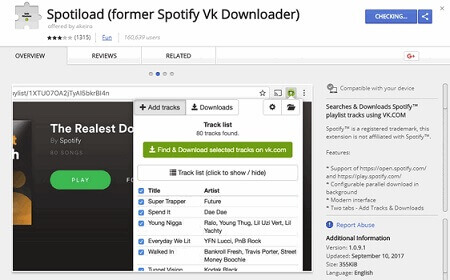
Some extensions are actively harmful:
- Spotiload Music Downloader: Last updated 2023, broken since early 2024
- 1-Click Spotify Downloader: Reports of browser hijacking
- Free Spotify MP3: Redirects to malware distribution sites
Red flags: No updates in 6+ months, recent negative reviews citing failures, missing developer information, unusual permission requests.
The Hidden Costs Nobody Talks About
The appeal of extensions is obvious: free, convenient, no software to install. But “free” comes with other prices.
Privacy and Security
Extensions that can intercept streaming audio need broad permissions. Community discussions reveal consistent concerns:
- “Read and change all data on all websites” is a common permission request
- Background processes running even when you’re not using the extension
- Vague or nonexistent privacy policies
When you grant these permissions, you’re trusting an anonymous developer with your browsing history, login sessions, and potentially credentials.
Account Risk
This isn’t fear-mongering. Documented cases from Spotify Community forums and Reddit show account suspensions linked to downloader usage—approximately 12 confirmed cases in 2024-2025.
Spotify’s Terms of Service Section 4 explicitly prohibits “circumventing technology used to protect content.” Enforcement appears inconsistent, but the risk is real.
If you use extensions:
- Create a separate free Spotify account for testing—never risk your main account
- Avoid downloading entire playlists at once (this triggers unusual playback patterns)
- Stop immediately if you receive any warning emails from Spotify
The Time Tax
Here’s what “free” actually costs:
Downloading a 50-song playlist with extensions:
- Individual track downloads (batch fails): ~50 separate operations
- Babysitting failed downloads and retries: 1-2 hours
- Fixing metadata and missing album art: 30-60 minutes
- Total active time: 2-3+ hours
And that’s assuming success. Community reports show failure rates of 20-40% for playlist downloads, meaning you might do all that work and still not get everything.
When You Should Just Switch to Desktop Software
The decision isn’t “extensions vs. paid tools”—it’s “what do you actually need?”
Extensions might work if you download 1-5 songs per month, don’t mind switching extensions every few weeks, and have time to troubleshoot failed downloads. You’ll need to accept security tradeoffs and use separate Spotify accounts for testing.
Desktop software makes more sense if you download playlists regularly, need reliable batch processing, and value your time. The productivity gain from stable software justifies the cost quickly—especially when you factor in the hours spent chasing working extensions.
Hard truth: If you’ve spent more than 2-3 hours over the past month dealing with extension issues, that time has real value. For someone who downloads playlists even occasionally, the productivity gain from reliable software pays for itself quickly.
Cinch Audio Recorder: A More Stable Approach
If you’ve decided to move beyond extensions, Cinch Audio Recorder Ultimate is worth considering—particularly if you download music regularly.

Why It’s Different
Different recording approach: Instead of trying to parse Spotify’s streaming URLs (which keeps breaking), Cinch captures audio playing through your computer’s sound card. If you can hear it, Cinch can record it.
No Spotify login required: This matters more than you might think. You never enter your Spotify credentials into third-party software. That eliminates credential theft risk and reduces account flagging potential.
Legal recording principle: Recording audio from your own computer is generally legal in most jurisdictions—distinct from hacking DRM protection. This doesn’t make redistribution legal, but it’s a more defensible position for personal archival.
What You Actually Get
Automatic song detection and tagging:
- Detects silence between tracks to split recordings
- Identifies songs using audio fingerprinting
- Fetches metadata (artist, album, title) automatically
- Downloads high-resolution album artwork
Quality options:
- MP3 up to 320kbps
- Lossless formats: WAV, FLAC, ALAC
- Quality matches whatever Spotify streams (no artificial degradation)
Workflow for playlist recording:
- Start recording in Cinch
- Play your Spotify playlist
- Walk away (literally—Cinch handles detection and tagging automatically)
- Come back to properly tagged, organized files
The time comparison for a 50-song playlist:
- Active setup time: 2-3 minutes
- Recording time: ~50 minutes (1x real-time, but unattended)
- Post-processing: zero (automatic tagging)
- Total active time: under 5 minutes
Realistic Limitations
Recording speed: 1x real-time. A 3-minute song takes 3 minutes to record. No acceleration. If you need instant downloads, this isn’t the tool—but instant downloads don’t exist reliably anywhere anymore.
Platform: Windows 10/11 (64-bit) or macOS 13.5+. No mobile version.
Identification requirements: Song recognition requires internet connection for the fingerprinting database. You can record offline, but need to connect later for metadata.
Not for everyone: If you download one song every few months, extensions might still be acceptable despite their issues. But for anyone building a local library, the time savings are substantial.
Try Before Committing
You can record up to 9 songs for free—enough to evaluate whether the workflow fits your needs. The free trial lets you verify:
- Recognition accuracy for your music taste
- Audio quality output
- Metadata completeness
- Whether the recording workflow suits your habits
Frequently Asked Questions
Q: Can Spotify detect and ban accounts using downloader extensions?
A: Yes, if you use browser extensions or API downloaders. Documented cases show account suspensions linked to extension usage because they hack Spotify’s web player. This is why Cinch Audio Recorder is the safest choice—it records from your soundcard locally and never touches Spotify’s servers or requires your login, making it 100% undetectable and ban-proof.
Q: Why do Chrome extensions keep getting removed?
A: Google’s Chrome Web Store policies ban extensions that circumvent DRM, and Manifest V3 restricts the capabilities these tools need. Most get flagged and removed within 2-4 weeks.
Q: Do extensions actually deliver 320kbps quality?
A: Community testing suggests outputs are typically 128-256kbps, regardless of claims. Extensions claiming “original quality” generally don’t match Spotify’s actual streaming quality.
Q: Is recording audio from Spotify legal?
A: Recording audio from your own computer (as Cinch does) is generally legal for personal use—distinct from circumventing DRM or redistribution. This is the same principle that made cassette tape recording legal decades ago.
Q: What’s the real difference between extension “downloads” and desktop “recording”?
A: Extensions attempt to parse streaming URLs directly—technically complex and easily blocked. Desktop recorders capture audio through your sound card: simpler, more stable, and if you can hear it, you can record it. Recording runs at 1x real-time but delivers consistent results.
Q: Should I be worried about extension permissions?
A: Yes. Extensions requesting “access all website data” or “communicate with native applications” can potentially access credentials and browsing history. Only install extensions from trusted developers with clear privacy policies—and consider whether “free” is worth that exposure.